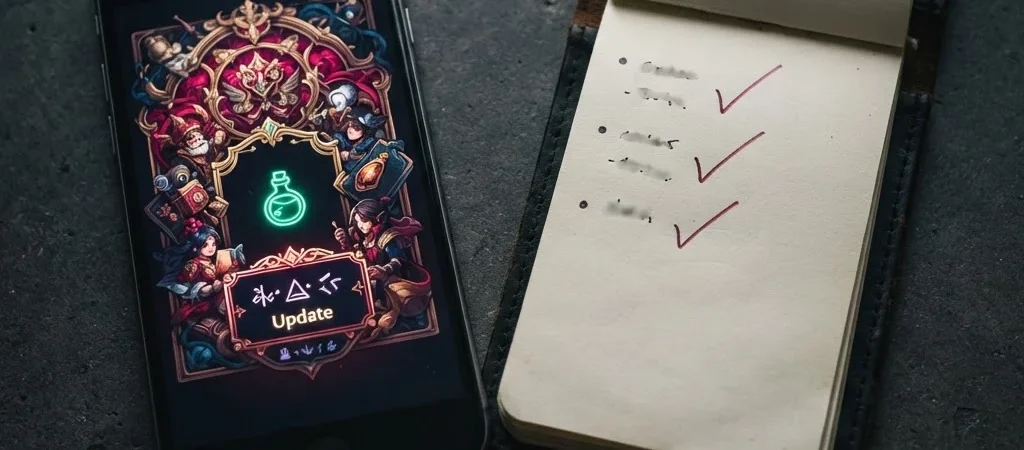
An update lands, the community starts debating balance, and the notes are full of phrases like “improved responsiveness.” That may matter—but the phrase alone does not tell you whether your favorite character, mode, or device is affected. Read the changes in layers before treating a headline as a verdict.
Start with what changed
Look first for concrete adjustments: a cooldown changed, a map route was altered, or a touch-control option was added. Then check whether the note applies to all players, a particular mode, or a limited event. That scope can change the meaning of the update more than the headline does.
Separate fixes from balance changes, too. A crash fix may improve a session without changing how a character performs, while a damage adjustment could affect match decisions directly. If the notes do not explain a change clearly, mark it as uncertain rather than filling in the missing detail yourself.
Check your own version
Updates do not always appear for every device at the same moment. Check the game’s version number and its official update channel before comparing your experience with a clip or post from someone who may be on a different build. This is especially useful when a change seems absent from your game.
Test the change in context
After installing an update, try the affected feature in the same mode and under similar conditions as before. A control tweak may feel different on a smaller screen, while a balance change may only become obvious in a particular matchup. Give the change a fair test, then judge what it does to your actual play—not just what the patch note says it should do.